Skip to content

MiniMax H3 Image AI Generator

Turn ideas into 4K images with MiniMax H3 Image Blend up to 16 references · Edit with precision and true-to-life detail

  • Free 4K Output
  • Up to 16 References
  • Accurate Prompt Following
  • 1K / 2K / 4K Resolution
10 credits

Get Inspired

Pick a look. Make it yours.

A little inspiration. Your next creation.

What MiniMax H3 Image Can Do

MiniMax H3 Image is a free online 4K AI image generator and photo editor. Create sharp 1K, 2K, or 4K images from a text prompt, or combine reference photos to keep faces, products, and scenes consistent. Model availability, supported inputs, account access, and credit rules are shown in the editor.

AI image generator and photo editor

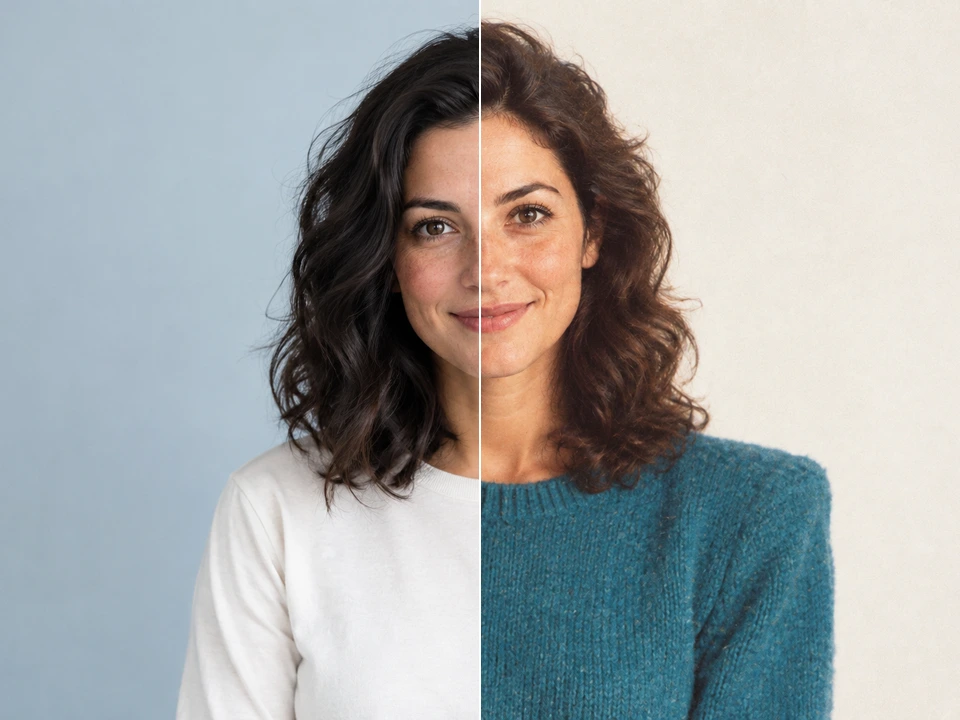
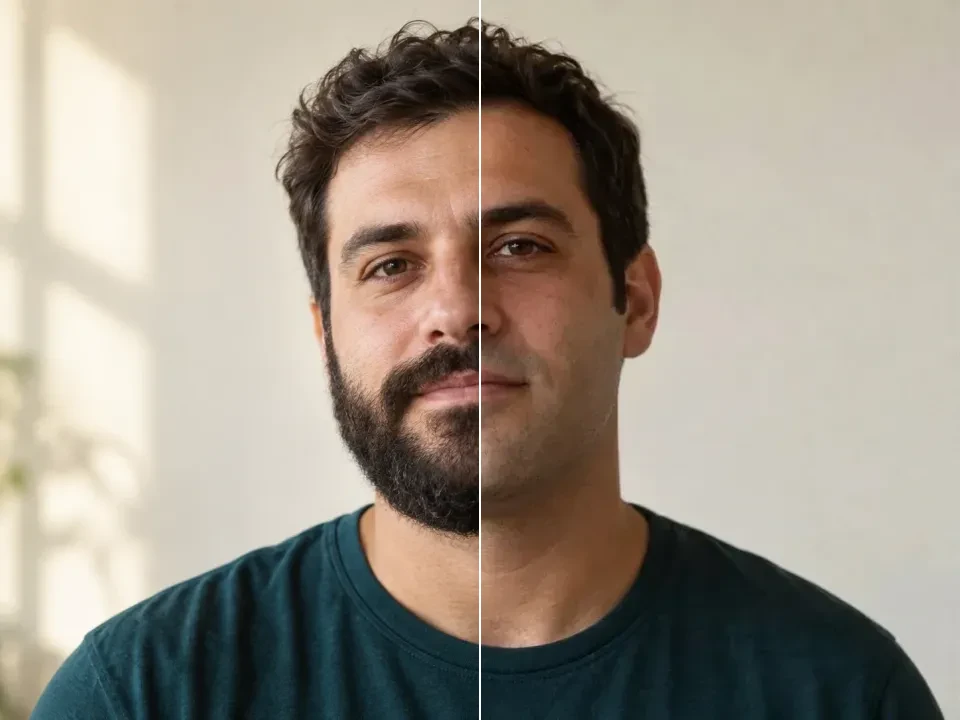
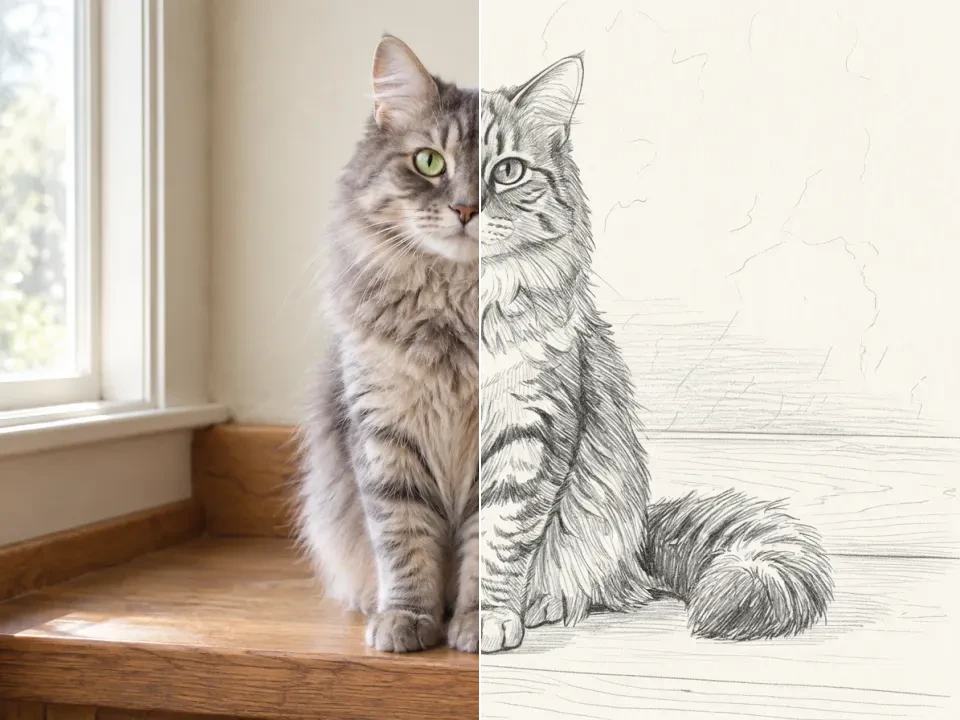
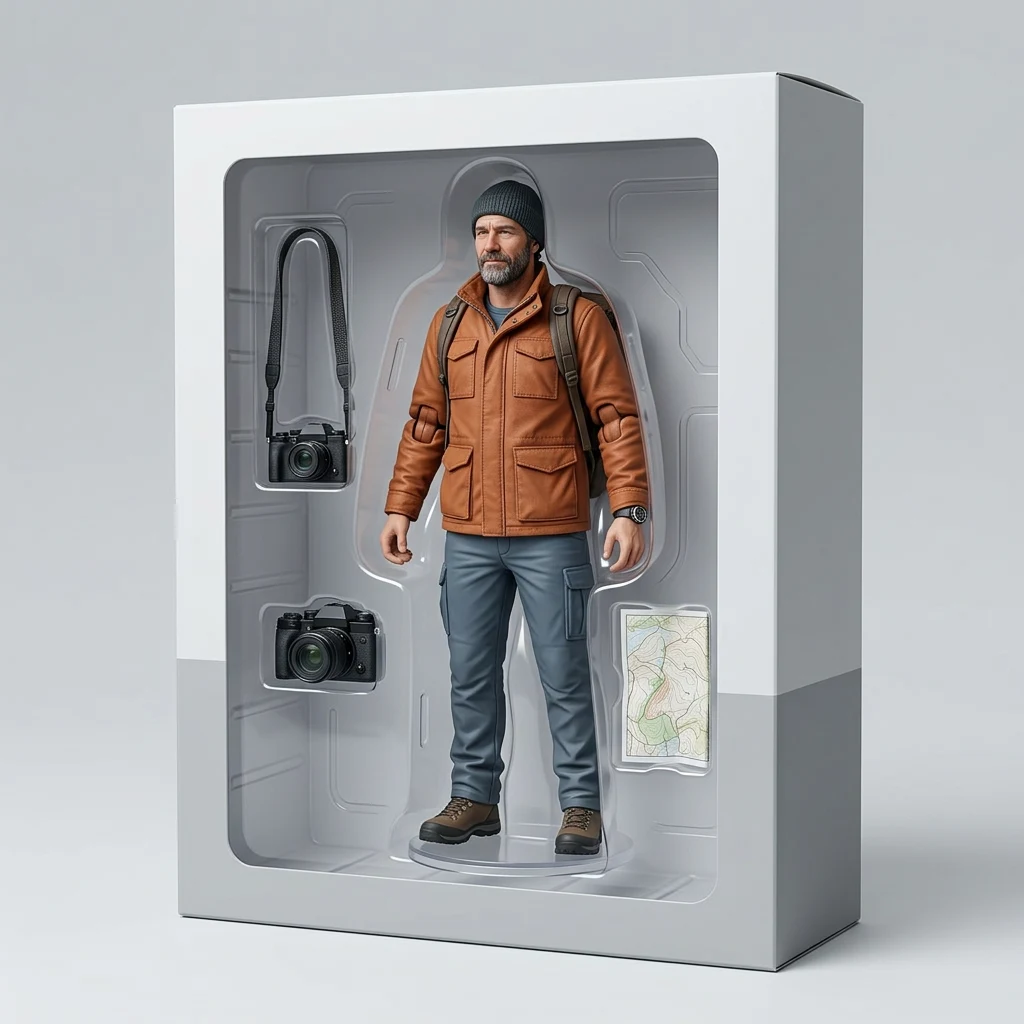
Use text to image to create portraits, product photos, illustrations, and thumbnails. For image to image, upload your own photo and describe a new background, style, or scene with a model that supports references.

Try the free AI image generator →
AI video generator from text and images

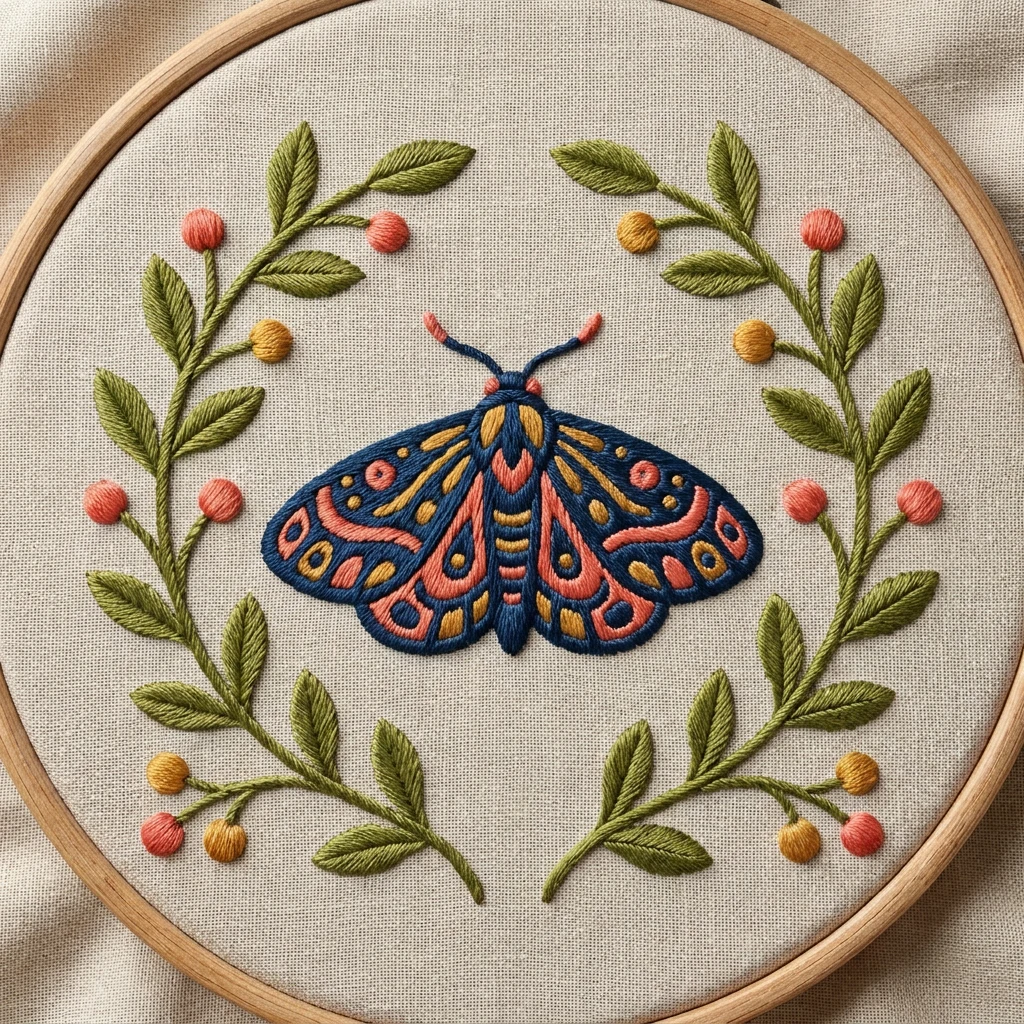
Use text to video to turn a scene description into a short clip, or image to video to animate a still photo. Describe subject movement and camera motion, then choose the settings supported by your video model.

Try the free AI video generator →

How to Use MiniMax H3 Image

Start with a clear idea, then check your settings and credit quote before submitting.

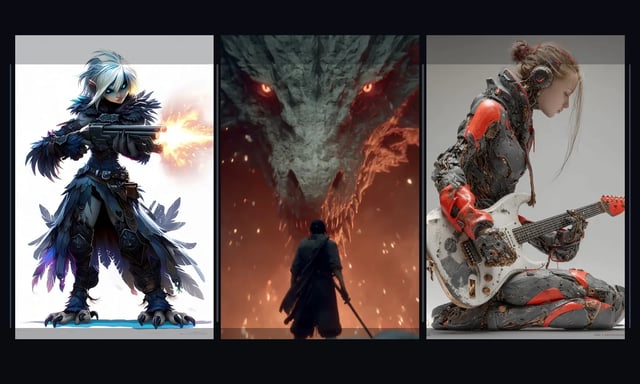
Character concept directions shown side by side
1

Describe an image or add a reference

Write the subject, setting, lighting, and style. With a reference image, explain the change you want; for video, add movement and camera direction.

2

Choose a model and check the quote

Select an available model and supported format. Sign in, then review the full batch cost on the Generate button.

3

Generate and follow the task status

Submit your request after checking the settings. Follow progress in the editor; completion time varies by model, settings, and provider demand.

4

Preview, refine, and download

Review the output and adjust the prompt for another version. Find completed results in the result panel or your signed-in history and download the ones you want.

Start AI image

Choose an AI Model in MiniMax H3 Image

Pick the image model by the task: source photo control, readable text, high-fidelity stills, fast concepts, or precise local changes.

GPT Image 2.5 for Image Creation and Reference Edits

Use GPT Image 2.5 for detailed creative briefs, reference-guided product edits, structured layouts, and polished scene generation with the connected high-quality preset.

Connected high-quality workflow

Choose the available GPT Image 2.5 settings and review the full credit quote before generating.

Reference-led variations

Bring an approved image into a new setting. Describe the change and the product, subject or layout details that should stay unchanged.

Output controls that fit the task

Available resolution, aspect ratio and quality controls depend on your selected model. Review fine text and edges in the downloaded result.

GPT Image 2.5

What Will You Create with MiniMax H3 Image?

Use AI image generation for fresh concepts, product stills, edits, and controlled variants in one workspace.

CAMPAIGN VISUALS

Campaign and editorial stills

Create campaign stills with Nano Banana Pro or GPT Image 2 when polish and prompt-following matter.

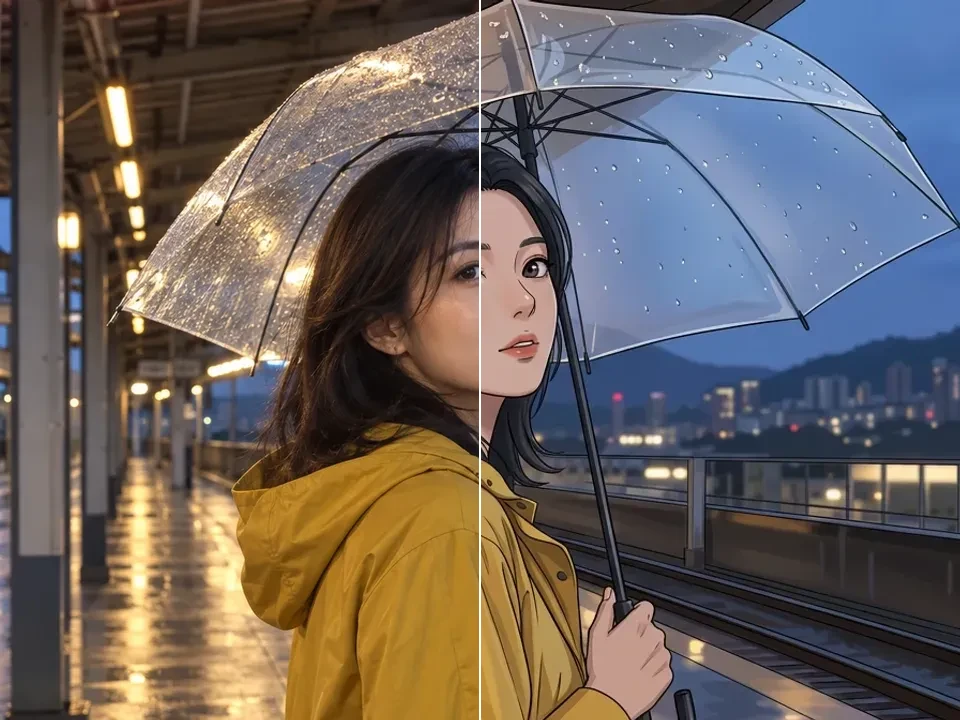
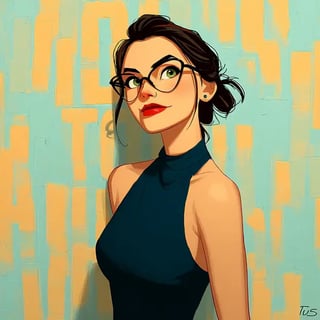
Illustrated editorial portrait for ad creative testing
PRODUCT ASSETS

Product concepts and cleanup

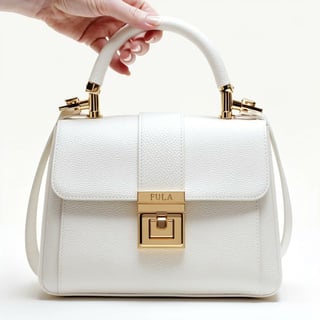
Use Nano Banana for product restyling and GPT Image 2 for detailed edits before assets reach catalogs or ads.

Luxury bag concept visual for ecommerce merchandising
BRAND DIRECTION

Brand visual systems

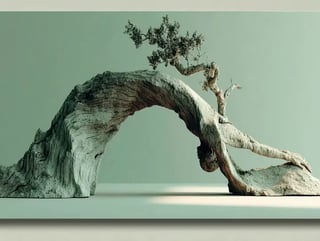
Develop branded imagery, poster directions, and cohesive visual reference systems with Nano Banana Pro or GPT Image 2.

Sculptural driftwood arch visual used to define a premium campaign world
IMAGE EDITING

Controlled variants

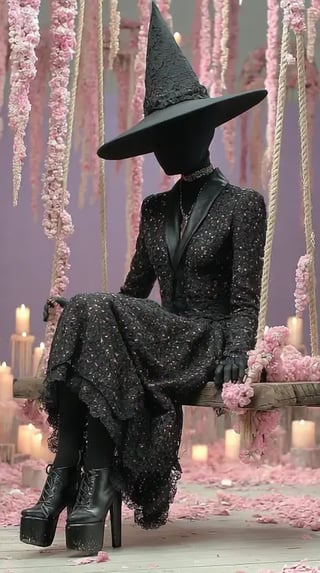
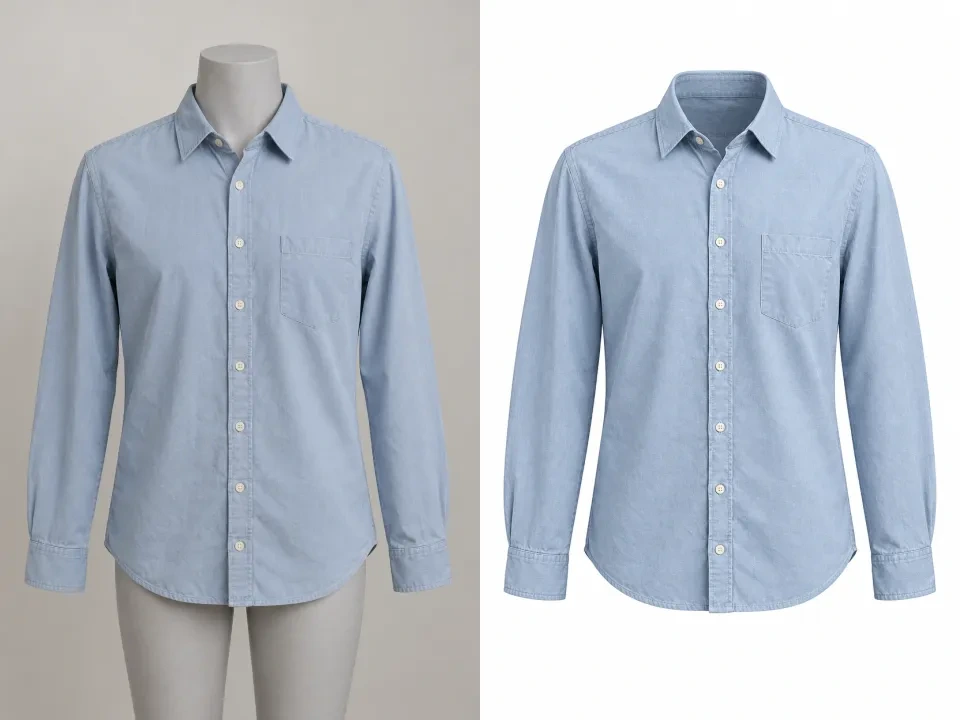
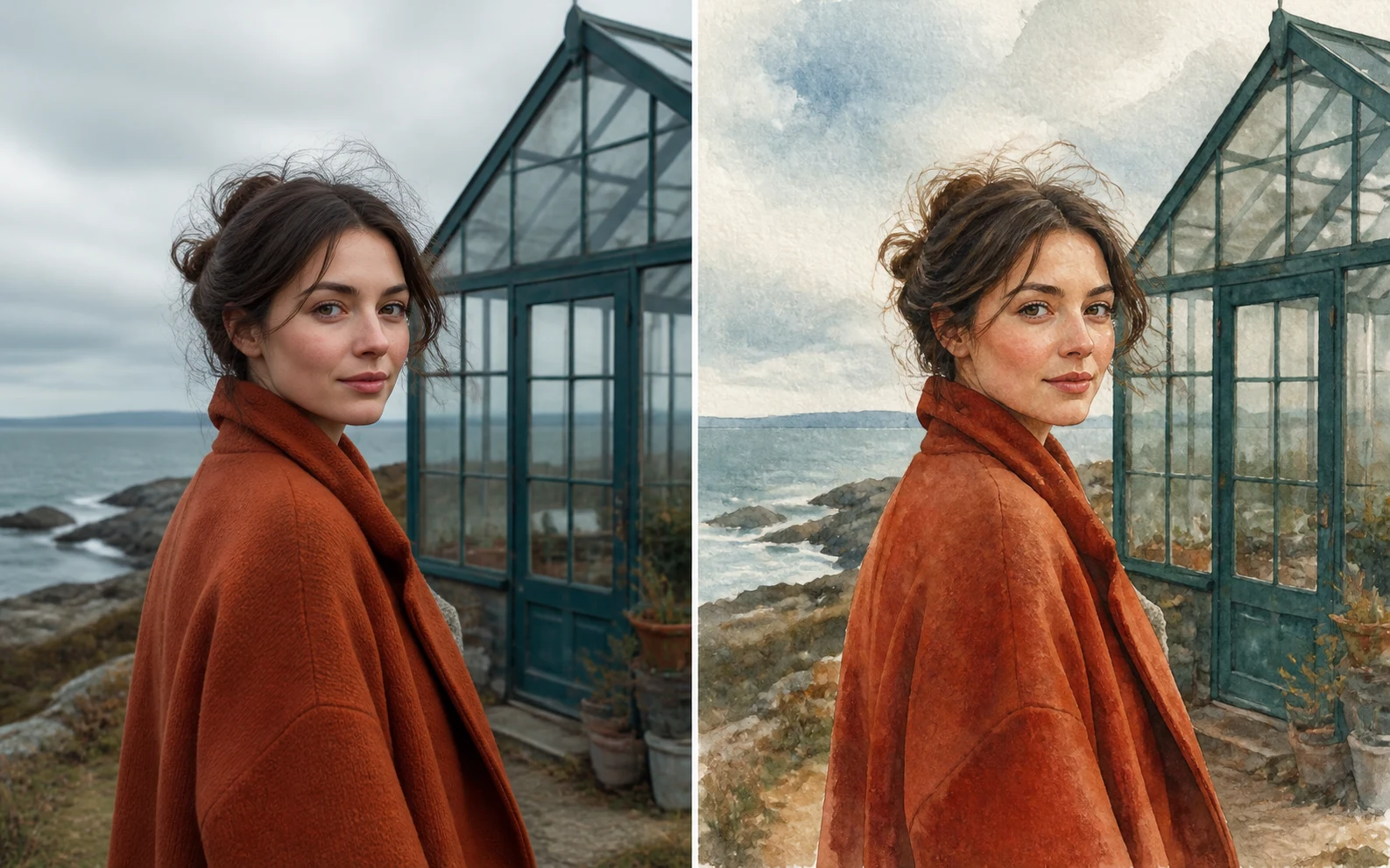
Use GPT Image 2 or Nano Banana to adapt an existing image while preserving the useful source structure.

Character study created from a text prompt

MiniMax H3 Image FAQ

Answers about free credits, account access, and your creative workflow.

What is MiniMax H3 Image?

MiniMax H3 Image is a free online 4K AI image generator and photo editor. Create sharp 1K, 2K, or 4K images from a text prompt, or combine reference photos to keep faces, products, and scenes consistent. Model availability, supported inputs, account access, and credit rules are shown in the editor.

Can I edit a photo with the image generator?

Yes, when the selected image model supports references. Upload your source photo and describe the change you want, such as a new scene, style, or composition. Reference limits and output controls vary by model.

Is MiniMax H3 Image free to try?

Explore free, unlimited creation with MiniMax H3 Image. Model availability, account access, and credit charges follow the selected model and workflow. 120 sign-up credits plus daily check-in rewards of 60–120 credits. Review the settings and total credit quote in the editor before each request.

Do I need an account to generate?

You can browse examples, write a prompt, and choose settings before signing in. Generation and reference uploads require a signed-in account. Signing in does not automatically submit your draft.

How many credits does a generation cost?

The cost depends on the model, resolution, quality, video duration, and result count. The Generate button shows the total for your selected batch. Check that quote before submitting; claim an available check-in reward or review pricing if your balance is too low.

Where can I find and download my results?

Completed work appears in the result panel and your signed-in generation history. Preview an image or play a video, then download the result you want to keep.

Can I use generated media in commercial projects?

Review our terms and the selected model’s usage rules before publication. Use reference images and other assets you have permission to use; a successful generation does not establish rights for every use.

Create Your First 4K Image with MiniMax H3 Image

Start with a prompt or photo. Choose an available model and its settings, create a result, then preview and download the version you want to keep.